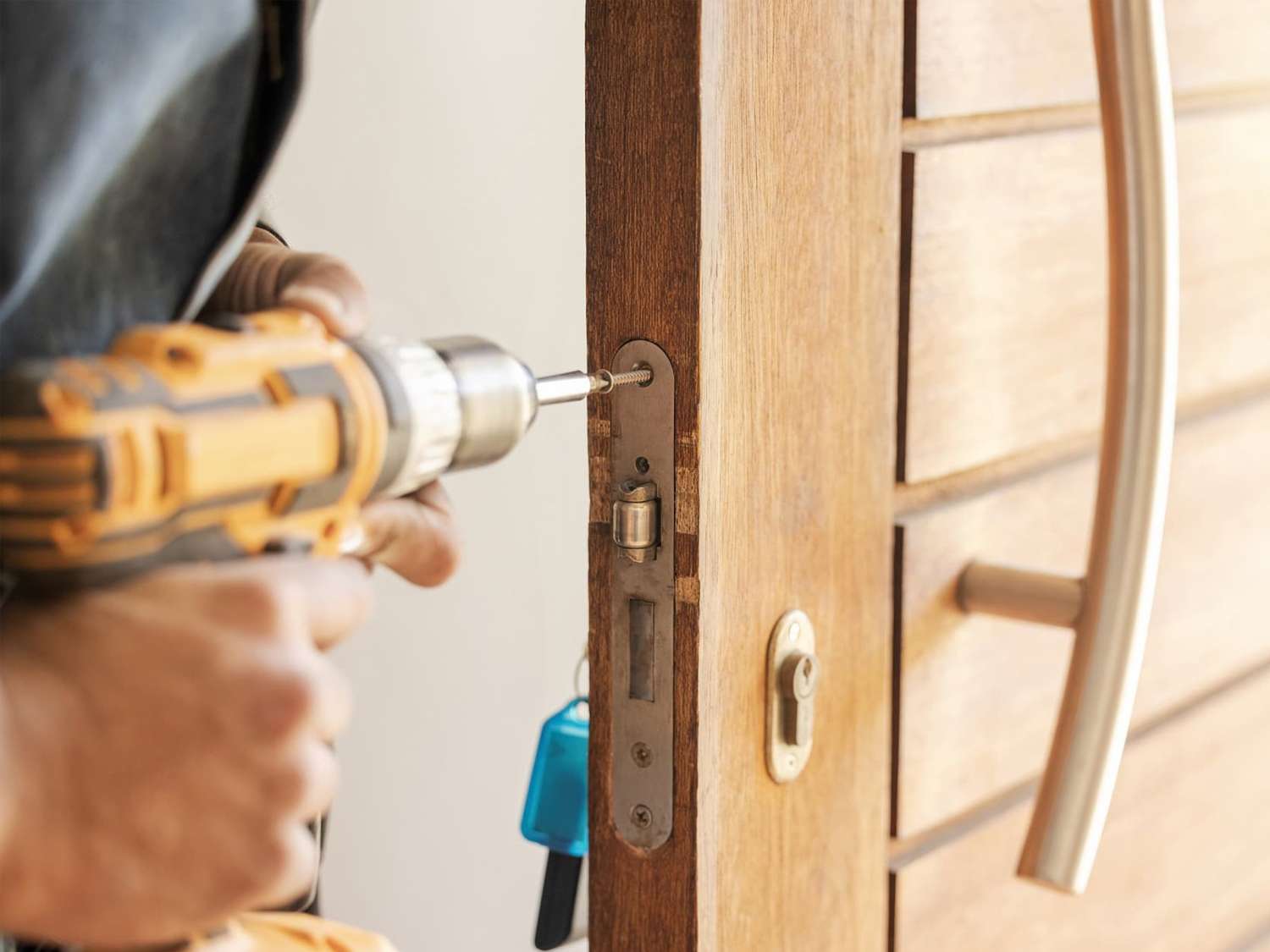
Your locks work quietly every day until the morning a key refuses to turn or a deadbolt sticks halfway. By then, the lock has usually been failing for a while without you noticing. Catching the signs early keeps you from a lockout, a break-in, or a rushed fix at the worst possible time.
This guide from a residential locksmith in Philadelphia shows you how to tell when your home locks need replacing, and whether a simple rekey will handle the job instead.
What a Failing Lock Feels and Looks Like
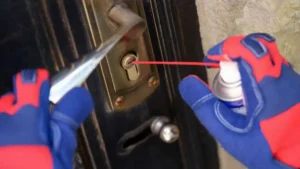
Your lock gives you plenty of warning before it quits for good, as long as you notice the small changes. A healthy lock turns smoothly and clicks shut without a fight. Once that starts to change, the parts inside are wearing down. Watch for these signs on any door in your home:
- The key sticks, catches, or needs jiggling before it turns
- You lean or push on the door to get the bolt to move
- The latch or deadbolt no longer lines up with the strike plate
- The lock body feels loose or wobbles when you use it
- Rust, pitting, or green corrosion shows on the cylinder or hardware
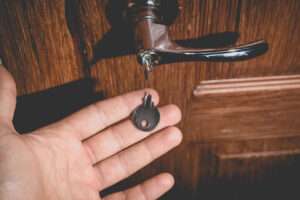
- Your key looks worn, bent, or chipped from being forced
One of these on its own might mean a quick fix, like a bit of lubricant or a tightened screw. Two or three together tell you the lock is close to the end of its life. A lock that fights you every morning is not a quirk to live with, since the day it finally jams is the day you find yourself stuck outside your own door with groceries in hand. Small annoyances like a sticky key are the early warning, and acting on them costs far less than a lockout call later.
How Old Are Your Locks?
Age alone is a strong clue that a lock needs attention. Locks are not built to last as long as the door they sit on, and time wears down the springs and pins inside. Even a good-quality lock starts to fail around 7 to 10 years, while a higher-grade lock with basic care can reach 15 to 20 years. Builder-grade locks, the basic hardware many homes come with, often need swapping after just 5 to 7 years.
If your locks are past the ten-year mark and starting to stick, replacement makes more sense than yet another repair. Older hardware also falls behind on security, since lock design has improved a lot over the years, and what protected a home a decade ago is easier to defeat today. So when you cannot remember the last time your locks were changed, that blank in your memory is itself a sign it is time to look closer. A lock that has guarded your family for more than a decade has earned its retirement.
Should You Change Locks After a Break-In or Lost Key?
Some events call for new locks no matter how well the hardware still works, because the issue is security, not wear. Reset or change your locks right away in these situations:
- Your home was broken into, or someone tried to force a door
- You lost a key, and worse, a key with your address on the tag
- You moved into a home and have no idea who holds a copy
- A roommate, tenant, or ex moved out and never returned their key
The risk here is easy to underestimate. FBI crime data shows that a large share of home burglaries involve forced entry, with average losses running into the thousands, and studies find that about 34 percent of burglars walk straight in through the front door. After a break-in, the lock has often been tampered with and needs full replacement to be safe again. For a lost key or a fresh move, lock rekeying usually solves it, since a locksmith resets the internal pins so every old key stops working while your existing hardware stays in place.
The point is simple. When you cannot say for certain who can open your door, you no longer control your own home, and that unease is worth removing fast.
Lock Rekeying vs Lock Replacement: Which One Do You Need?
This is where most homeowners get stuck, so let us make it clear. Rekeying and replacement solve two different problems. Rekeying changes the key that works the lock, while replacement changes the hardware itself. Here is how to see which one fits your situation:
The rule of thumb stays straightforward. When the lock itself works well, and you only need to control who has a key, rekeying is the faster and cheaper path. When the lock is worn, damaged, old, or you want better protection, replacement is the right call. A trained locksmith can test the lock and tell you honestly which route your door needs, so you never pay for hardware the job does not call for.
How Much Do Rekeying and Lock Replacement Cost?
Cost is often what tips the decision, so here are the general numbers to plan around. Lock rekeying is the budget-friendly choice, usually around $20 to $50 per cylinder, with a full three-door home landing near $150 to $250 including the service call. A skilled locksmith needs only 10 to 15 minutes per lock. Replacement costs more, since you are paying for new hardware on top of the labor. A standard lock replacement runs about $50 to $250 per lock, while premium or smart models can reach $500.
The gap looks wide at first, yet the math shifts over time. If your locks are already worn or near failure, rekeying them again only pushes off the replacement you will end up paying for anyway. Bundling the work also saves money, since upgrading a door while the locksmith is already on site costs less than booking a separate visit later. Spending a little to fix the right problem now beats spending far more after a lockout or a break-in forces your hand.
Can You Rekey or Replace Locks Yourself?
Plenty of homeowners wonder if this is a weekend job, and the honest answer depends on the task. A basic lock swap on a modern door can be a manageable DIY project with a screwdriver and patience. Rekeying is trickier, since it needs a brand-specific rekey kit that costs $10 to $25, and one wrong pin leaves you with a lock that will not open at all.
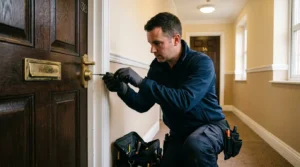
The bigger issue is what you cannot see. A pro checks whether the door, frame, and strike plate are sound, since even a strong lock fails on a weak frame. A DIY attempt that looks fine can leave a gap a burglar spots in seconds. For an exterior door that protects your family, the cost of professional work is small next to the risk of getting it wrong. This is one area where doing it right the first time matters more than saving an hour.
Should You Upgrade to a Smart or High-Security Lock?
Replacing a lock also opens the door to better security, which is worth weighing while you are already changing hardware. Basic locks meet the bare minimum, but a higher-grade deadbolt stands up to drilling, picking, and forcing far better. Security experts point to a Grade 1 or Grade 2 deadbolt as the stronger pick for an exterior door, over the Grade 3 builder locks that come standard on many homes.
Smart locks add a layer of control that fits how people live now. With a keypad or app lock, you stop hiding spare keys under the mat and can hand a code to family, a cleaner, or a guest, then delete it whenever you want. You also see who came and went through the day. For a homeowner tired of lost keys and sticky cylinders, a lock replacement with a smart or high-security model fixes the old problem and raises your safety in a single step. When hardware has been letting you down for years, this is the moment to move past it for good.
Get Your Locks Checked Before They Leave You Locked Out
A worn or aging lock never fails at a convenient time, and the price of ignoring it shows up as a lockout in the rain, a jammed door before work, or a break-in you could have stopped. Guessing whether to rekey or replace only leaves your home half-protected while you wait. Kingstone Locksmith helps homeowners across Philadelphia check their locks, reset key control, and swap out weak hardware, with honest advice on what each door actually needs.
Want to know if your locks are ready to fail before they actually do? Contact us and let a residential locksmith in Philadelphia keep your doors working and your home secure.